

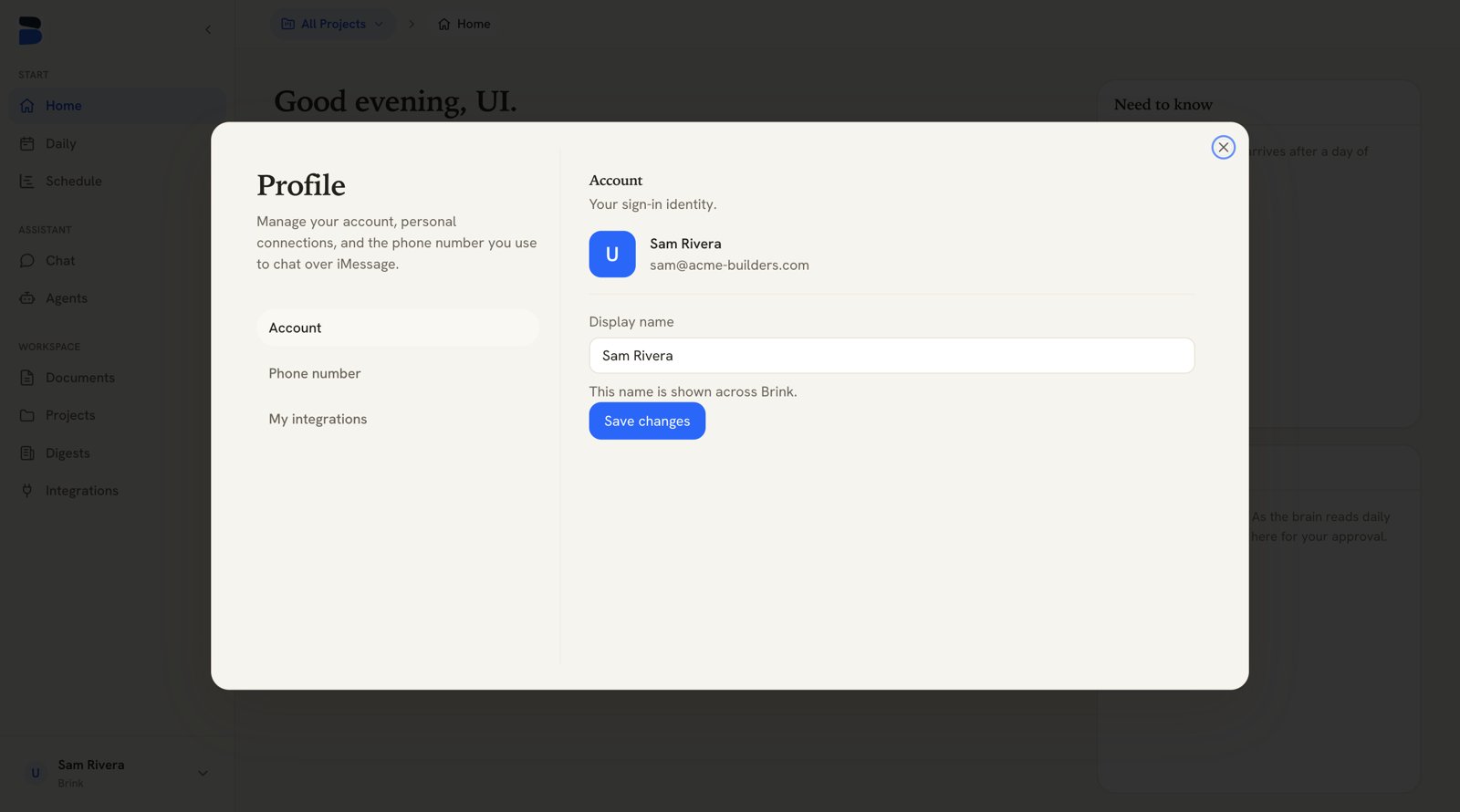
The Profile page — account, personal connections, and iMessage
Account
Your sign-in identity — the email you signed in with, shown read-only. Display name is editable: type the name you want shown across Brink and click Save changes. It’s the name your teammates see on members lists, wiki revisions, and task activity, and the name Brink greets you by.Phone number
Verify a phone number to chat with your Brink assistant over iMessage.1
Enter your number
On the Phone number tab, enter your number and click Get code.
2
Text us the code
Because our number can only reply to people who message it first, you verify
by texting the short code to us. The page shows the number to text and
the exact code to send, and updates itself the moment your text arrives.
3
Pick where iMessage chats are filed
Choose a project under Project for iMessage chats — new iMessage
conversations are filed under it, so they show up in that project’s chat
list on the web and you can carry on there. All Projects (org-wide) is
also an option.
My integrations
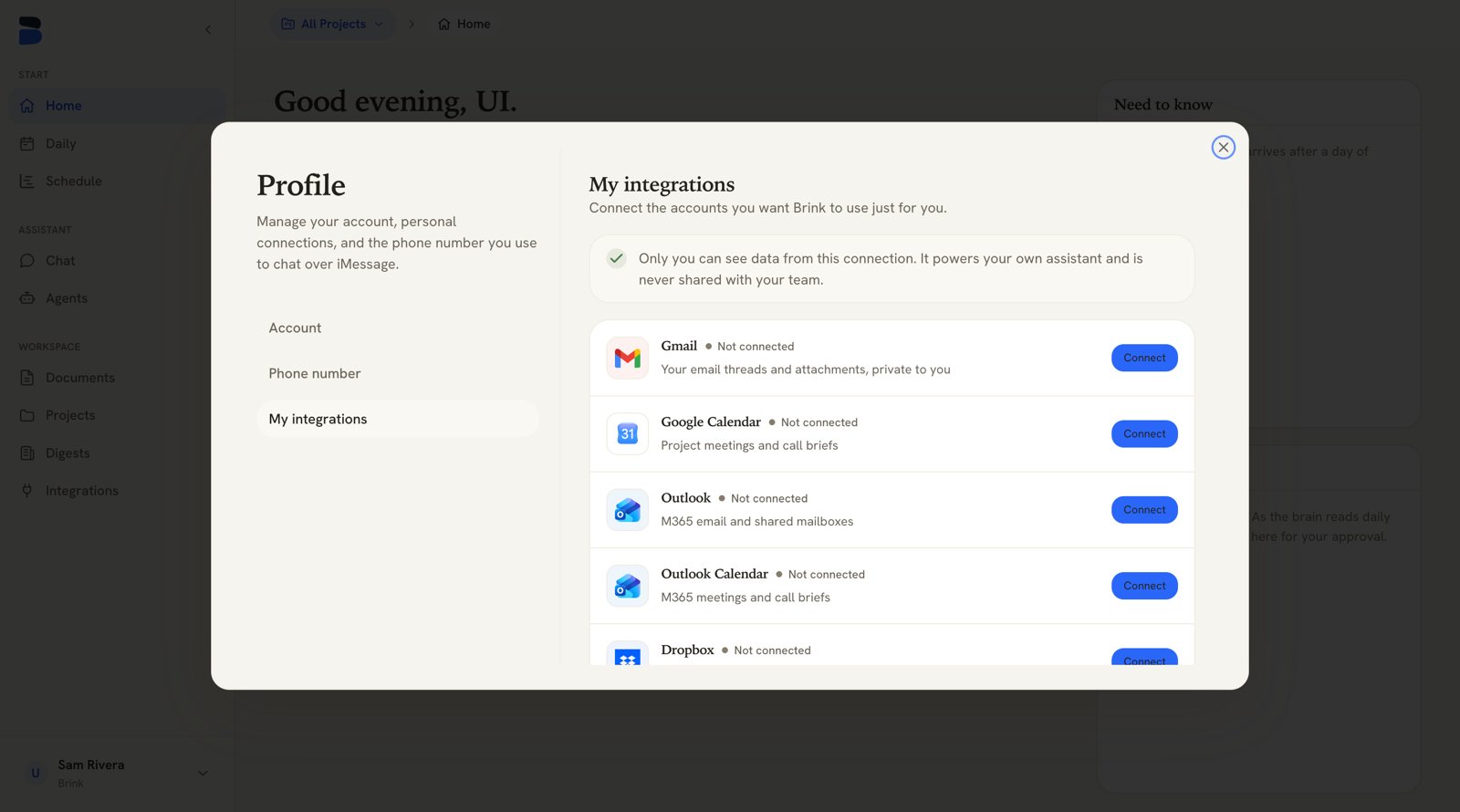
Profile → My integrations — personal connections, private to you
Only you can see data from this connection. It powers your own assistant
and is never shared with your team.